
Start the day with a clean power and air check
Before switching on any printer or transfer machine, check the room first. In Midrand, Sandton, Pretoria and the East Rand, dust build-up and sudden load-shedding can affect print quality and machine health. Make sure the floor around the equipment is clear, the ventilation space is open, and any compressor or extractor has enough airflow.
Look at power boards, plugs and backup power systems before you start. If there was a power cut overnight, wait for stable supply and confirm that all machines are in a safe state before restoring power. A rushed restart can trigger faults that are avoidable.
- Check power cables for heat marks, loose ends or visible wear.
- Confirm air lines are dry and pressure is at the correct level.
- Empty any condensate traps on compressors or dryers.
- Switch on machines in the correct order, from support systems to print equipment.
Inspect print heads, nozzles and media path before the first job
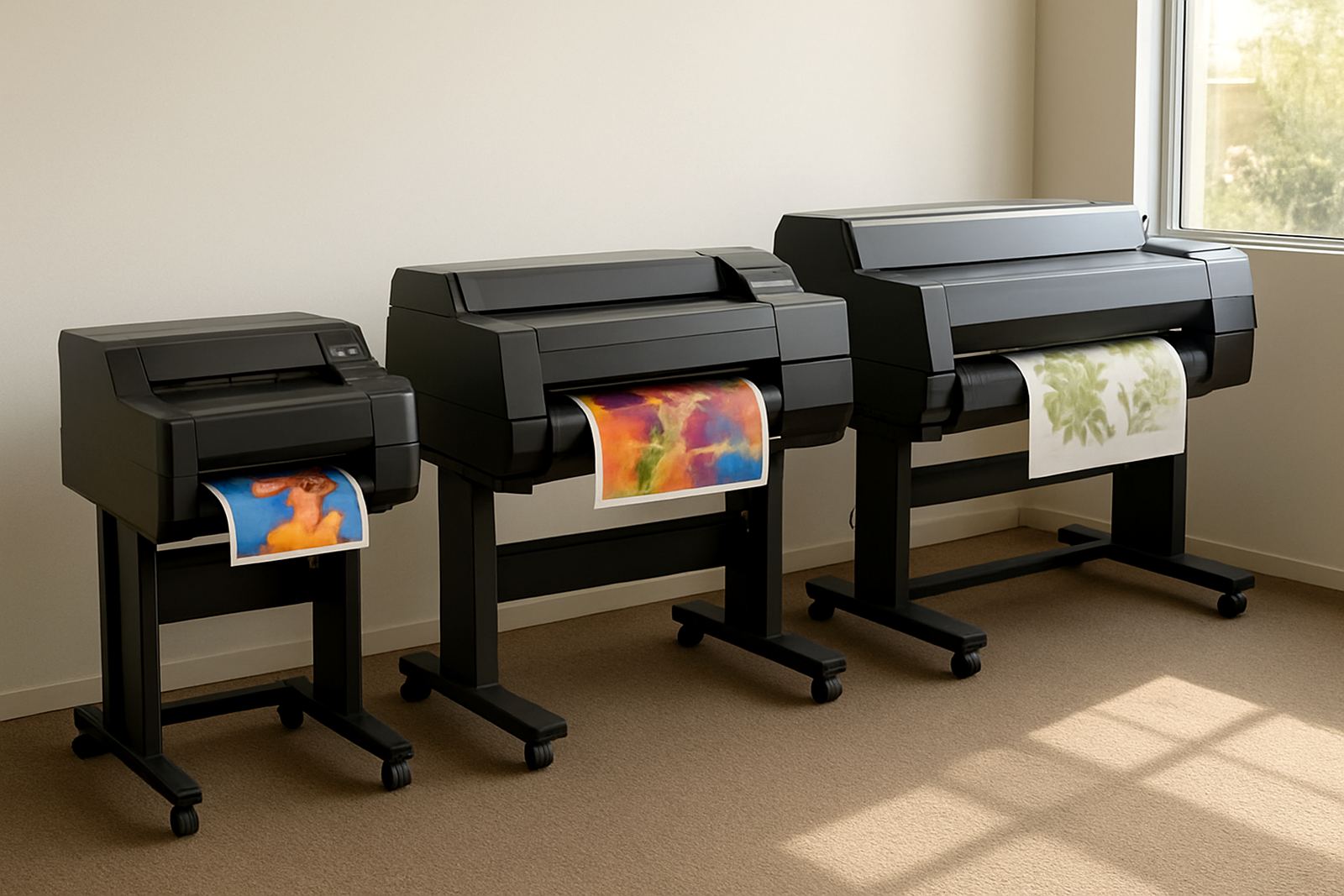
Daily inspections help you catch small issues before they become downtime. Run a nozzle check if your printer supports it and compare the result to the standard for that machine. If you see missing lines or banding, clean according to the manufacturer’s process and do not force extra prints through a blocked head.
Check the media path as well. Garment transfer media, label stock and speciality films must feed straight and sit properly on rollers. A crooked feed can waste metres of material very quickly, especially on short runs where every sheet counts. Look for dust, adhesive residue, loose guides and damaged rollers.
- Wipe accessible rollers with a lint-free cloth.
- Remove scraps, offcuts and packaging from the feed area.
- Confirm sensor windows are clean and not covered by powder or fibre.
- Test one short run before loading a full production stack.
Keep toner, inks and consumables under control
Consumables need the same attention as the machine itself. Check toner levels, ink levels, adhesive powders and cleaning fluids at the start of each shift. If stock is running low, plan the replenishment early rather than waiting for a panic order when the job is already on the machine.
Store consumables in a dry room away from direct sun and sudden temperature changes. In coastal areas humidity can shorten shelf life or affect curing, while in Gauteng dust and heat can cause clumping or contamination. Keep lids closed and use older stock first so that nothing sits for too long.
- Record what was used on the previous shift.
- Label partial packs and opened bottles with the date opened.
- Check expiry dates before mixing fresh and old stock.
- Keep dedicated cleaning cloths away from oily rags and general workshop waste.
Mid-shift checks that prevent waste on short-run work
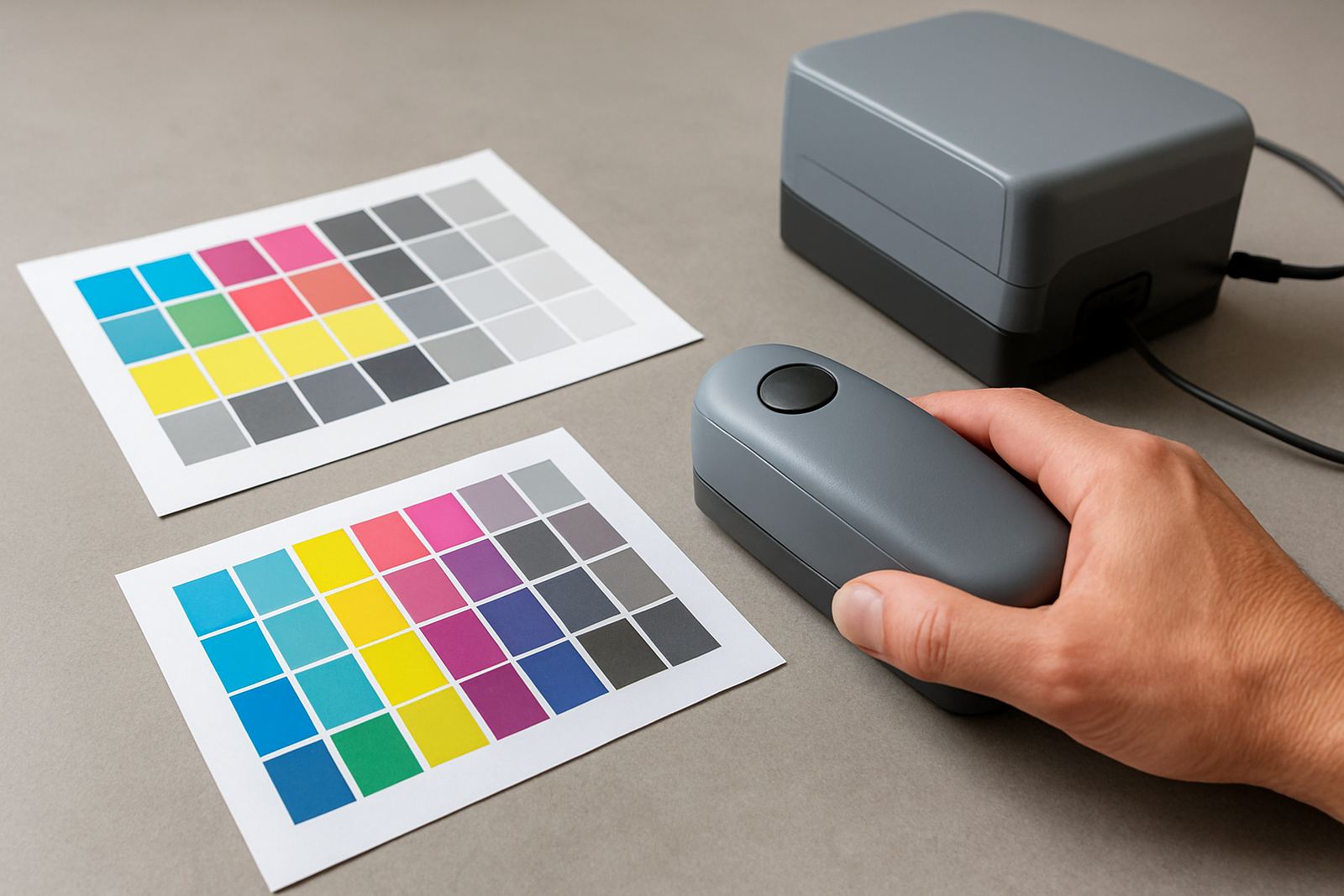
Short-run colour work leaves little room for error. Build a habit of checking output every few jobs rather than waiting for a customer complaint. Compare the first sample against the approved file, then check the next few sheets for colour shift, banding, misregistration or heat marks. If something changes, pause early and correct it.
For print shops working across Johannesburg and neighbouring countries, it is also worth checking job notes, media type and quantity before every run. Mixing two similar stocks can cause a costly mistake, especially when one order is for garments and another for labels. Small admin slips create real production problems.
- Confirm job settings before each new batch.
- Check the last sample after every media change.
- Watch for static, curl or uneven transfer pressure.
- Clear the work area so finished stock does not mix with waste.
Close-down steps that protect tomorrow's start-up
End-of-day shutdown matters just as much as the morning routine. Finish the last job, then let the equipment cool down properly before cleaning. Do not leave print heads, transfer plates or rollers dirty overnight, because dried residue is harder to remove the next morning and can shorten component life.
Switch off equipment in the correct order and follow the shutdown process for your machine. Drain air lines if required, empty waste containers and remove any media still feeding through the system. If you are expecting load-shedding after hours, make sure everything is in a safe state before power is lost. A few extra minutes now can save hours later.
- Run the prescribed cleaning cycle.
- Remove used media, scraps and offcuts from the machine area.
- Cover sensitive components where dust is a problem.
- Log any faults, strange noises or error codes before leaving.
Weekly records make daily maintenance easier
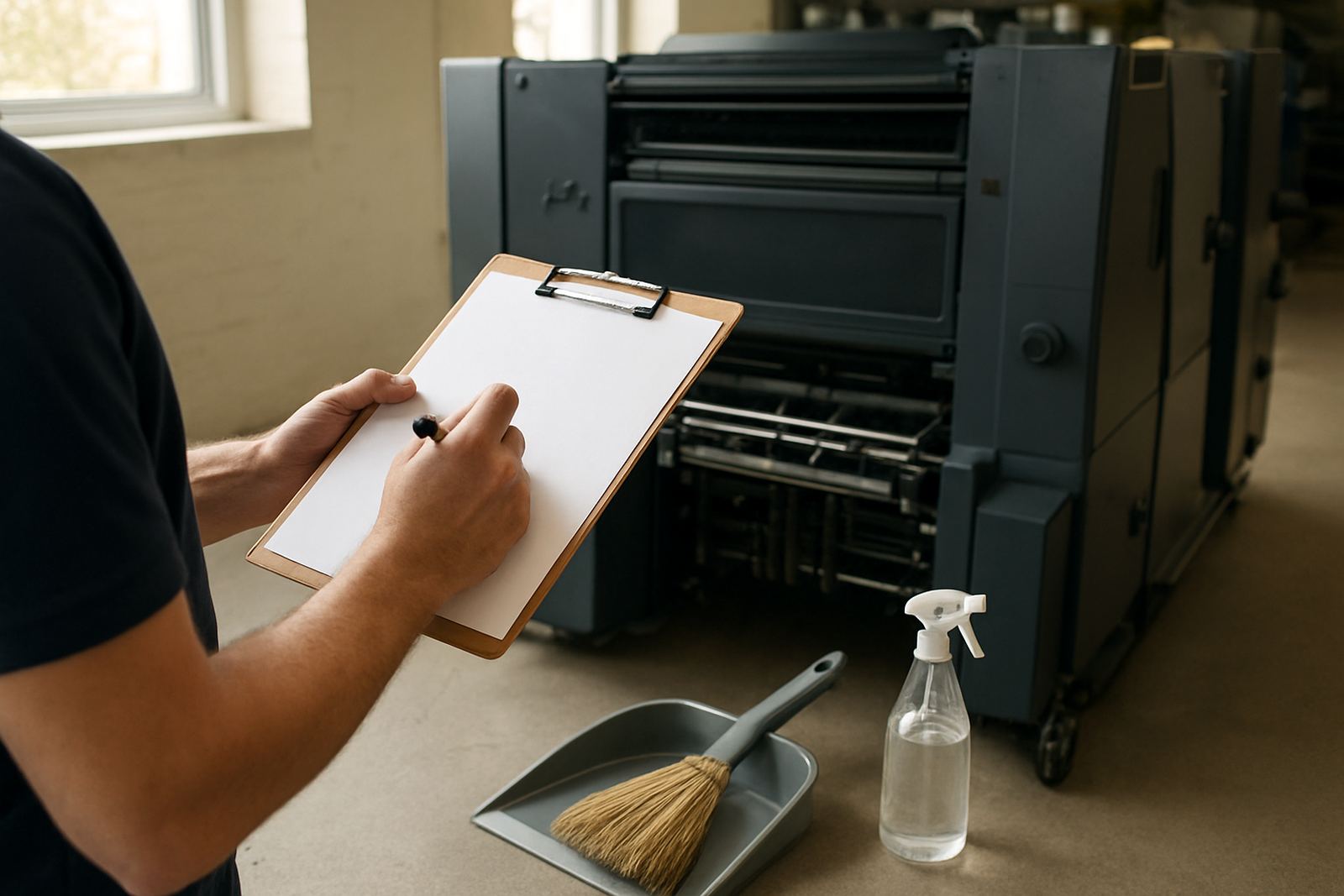
Daily checks work better when they are recorded. Keep a simple logbook for cleaning, calibration, maintenance and faults. This gives you a clear history of what changed and when, which helps your technician trace repeat issues faster. It also helps with operator handovers when more than one person runs the same equipment.
At CMYK Industries, we often see that the machines with the best upkeep are not the newest ones, but the ones with the best routine. If you need help setting up a maintenance schedule, operator training, or remote support for a trouble spot, a steady record makes the process far easier.
- Note the date, operator and job type.
- Record cleaning performed and consumables replaced.
- Log any calibration changes or media adjustments.
- Keep a note of breakdowns, repairs and repeat faults.
When to stop and call for technical support
Some problems should not be pushed through with a quick clean and a hope for the best. Stop the machine if you see repeated nozzle loss, temperature faults, unusual odour, visible sparking, severe misfeed or any sound that was not there yesterday. Continuing in that state can turn a small service issue into major damage.
If your team in Midrand, Pretoria, Sandton, the East Rand or further afield needs help, get support early rather than after the job is late. Preventive maintenance, breakdown repairs and colour calibration are much easier when the equipment is stopped safely and the fault is recorded clearly.
Keep your daily process simple: check, clean, confirm, record. That routine protects print quality and helps your shop stay productive even when deadlines are tight.