
Start With the Label Size Your Customers Actually Need
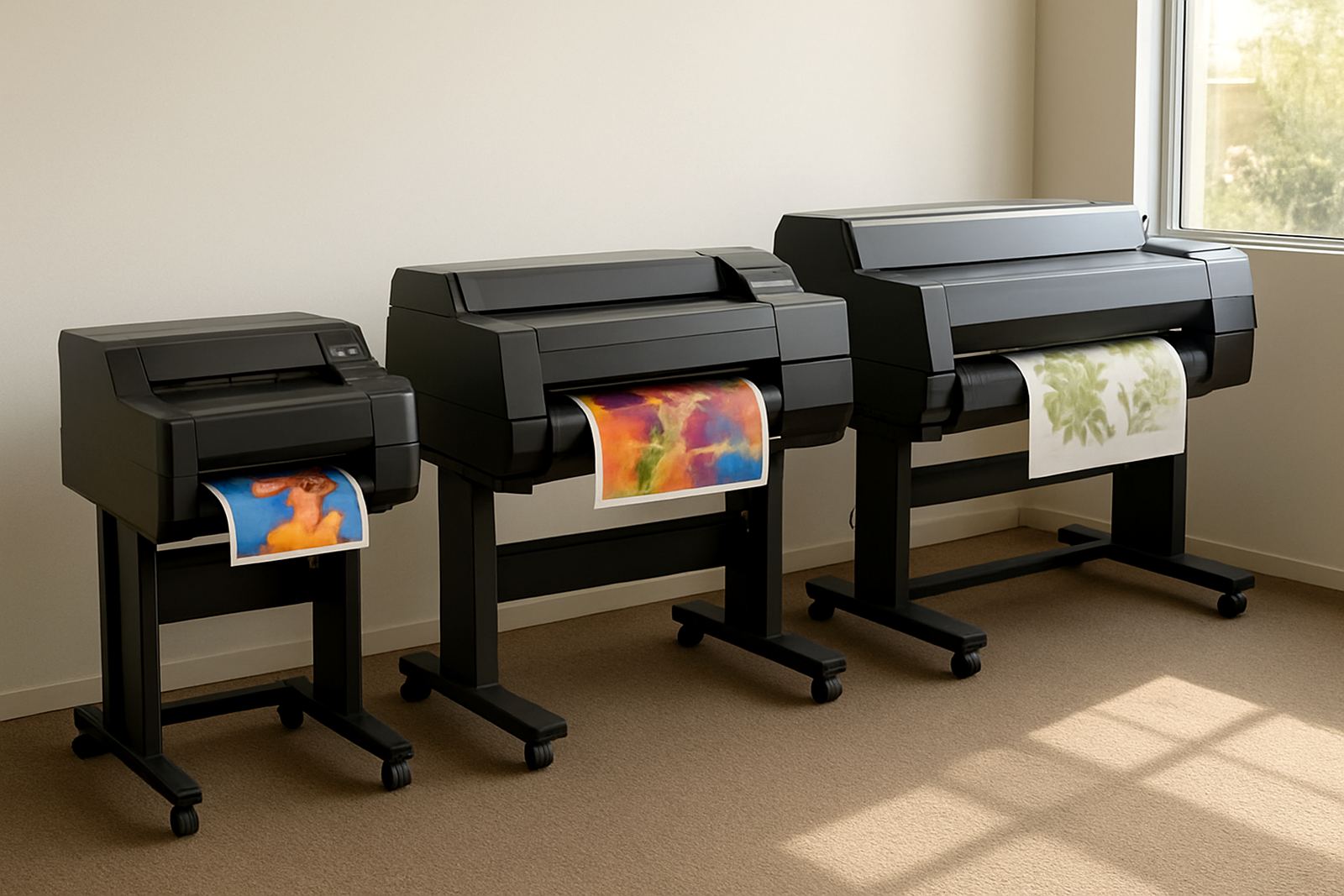
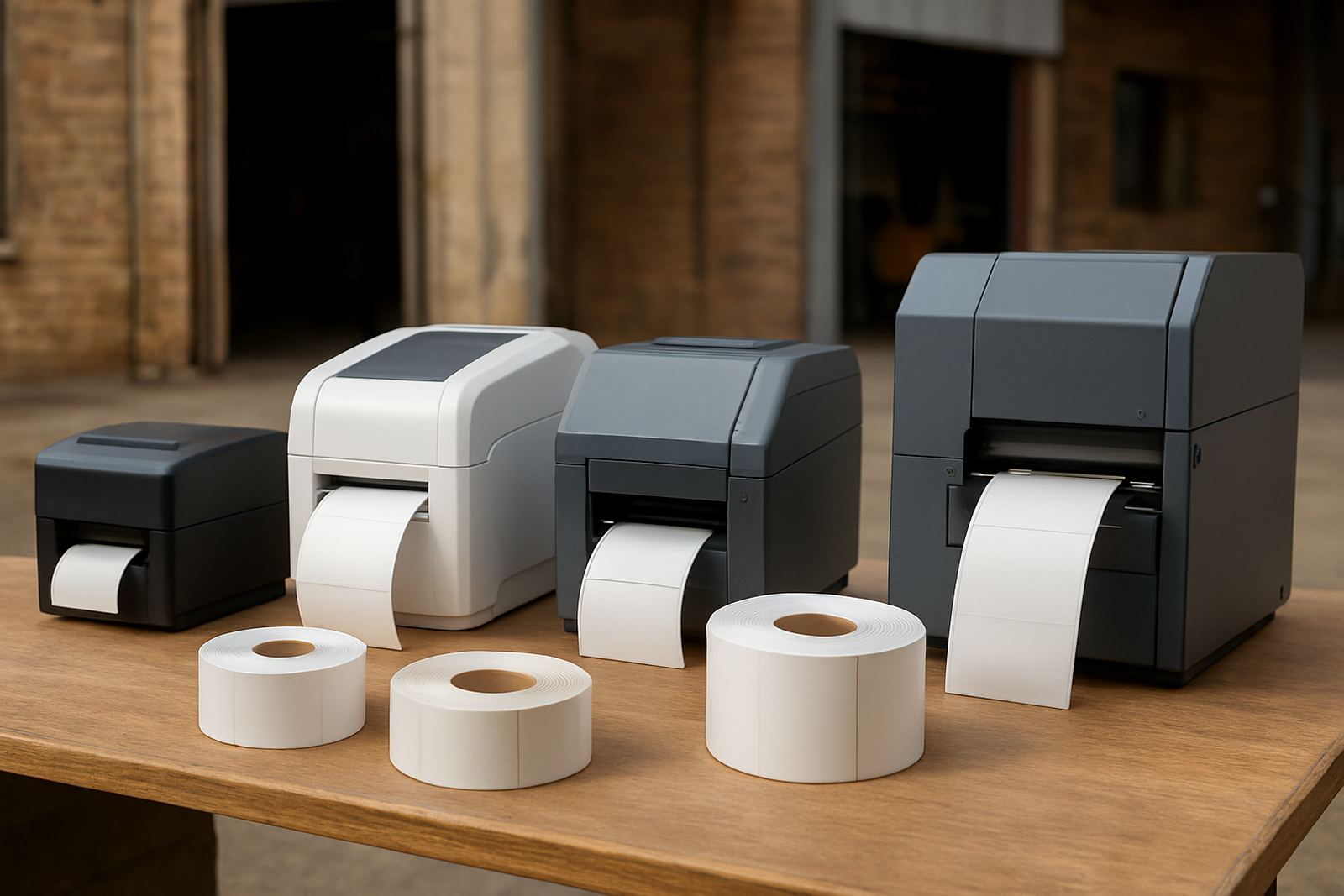
The first check is simple: measure the widest label you need to print, then add room for bleed, crop marks and any variable details. If your work is mainly small bottle labels, tamper seals or product stickers, a narrow printer may be enough. If you supply cosmetics, food, chemical or logistics labels, you may need a wider print path so you are not forced to split jobs or redesign artwork.
In practice, the print width must suit the market, not the machine spec sheet. A shop in Midrand doing 50 mm to 100 mm labels for local brands will have very different needs from a Durban packer running larger compliance labels for cartons and drums. Think about the widest repeat job you expect over the next 12 to 24 months.
- Measure the finished label width in millimetres.
- Allow for borders, bleed and registration marks.
- Check whether jobs are single labels, rows or full rolls.
- Confirm the maximum material width the printer can accept.
Match the Media to the Product and the Environment
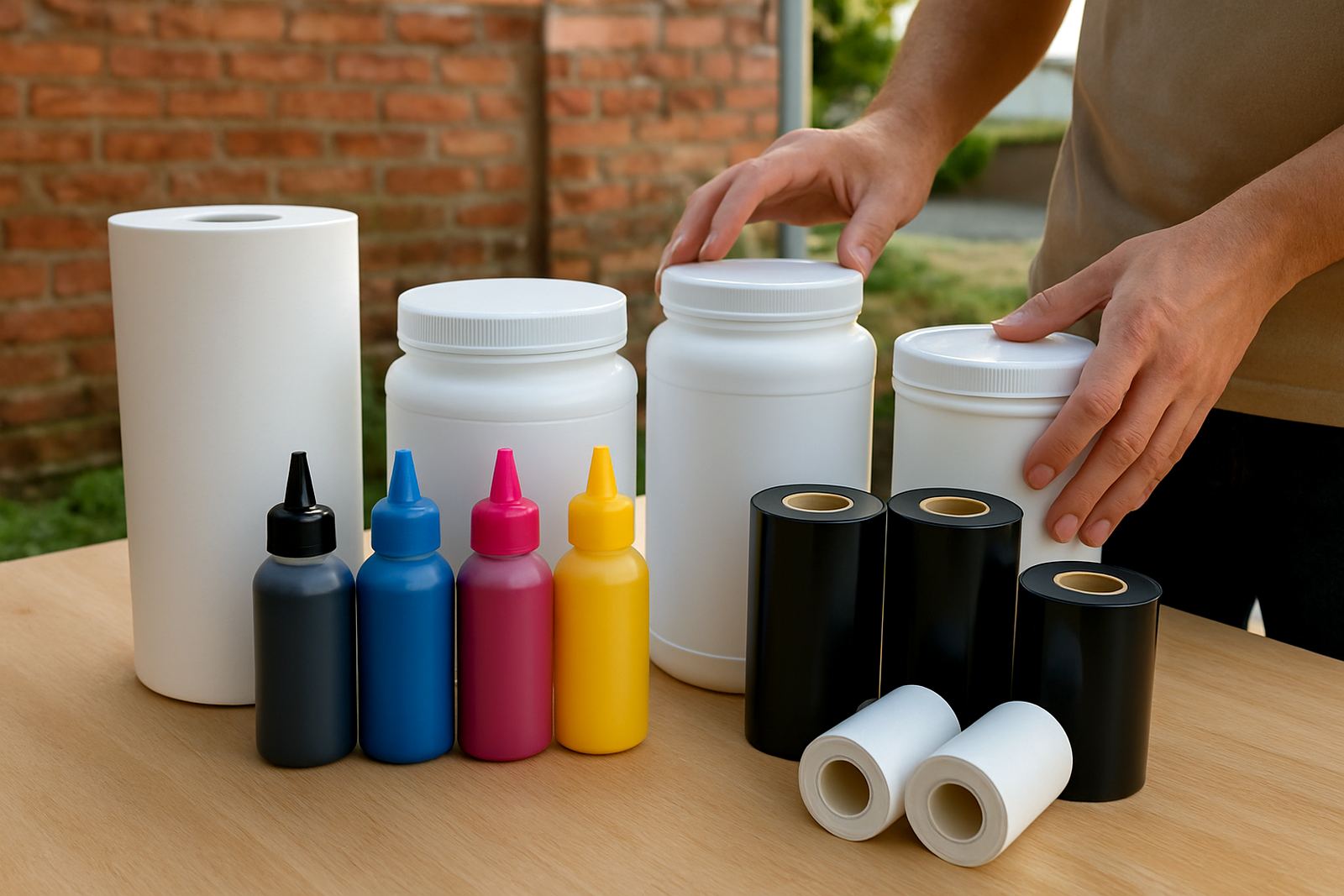
The best printer is only part of the job. The media has to suit the product, the surface and the place where it will be used. Paper labels may be fine for dry indoor products, but you may need synthetic media for moisture, handling or cold storage. Coastal humidity, chilled rooms and warehouse dust can all affect adhesion and print life.
Ask whether the label must survive refrigeration, UV exposure, oil contact or repeated handling. If the label will be applied to curved bottles or textured packaging, you also need the right adhesive. A good test run saves a lot of reprints and complaints later on.
- Paper media for short life, dry indoor use.
- Synthetic media for moisture, abrasion or chemical resistance.
- Adhesive choice for glass, plastic, cartons or rough surfaces.
- Release liner and roll direction if labels are machine applied.
Choose the Print Method for Colour, Speed and Cost
For short-run colour work, the print method must balance quality and running cost. If you print many product ranges with changing artwork, a digital setup is usually the practical choice. If you need strong colour on small batches, look closely at toner quality, ink behaviour and how the printer handles fine text, barcodes and small logos.
Also consider how often the printer will stand idle. In Johannesburg and Pretoria, many shops deal with load-shedding and stop-start production. A machine that recovers well after power interruptions and keeps colour stable after downtime will save time and waste. Your operator should be able to restart, test and continue without a long warm-up every time.
- Short runs with many artwork changes need quick setup.
- Barcode work needs sharp edges and reliable registration.
- Colour work should stay consistent across repeat orders.
- Power recovery matters where outages are part of daily operations.
Check Finishing Needs Before You Buy the Printer
Printing the label is only half the process. You also need to think about what happens after print. Do you need sheets, rolls, slitting, die-cutting, lamination or rewinding? If labels go to a hand applicator or automatic applicator, the finished roll size, core size and unwind direction must suit the downstream process.
A common mistake is buying a printer that can print the image but not the finish the client expects. If the market needs kiss-cut labels on rolls for fast packing, or narrow strips for variable information, the finishing side becomes just as important as print width. One wrong assumption can slow down the whole line.
- Confirm whether output is sheet, roll or cut pieces.
- Check core size and outer roll diameter.
- Plan for slitting, laminating or overprinting if needed.
- Ask how the labels will be applied after printing.
Plan for Volume, Operator Skill and Service Support
The right label printer must fit the people using it. If one trained operator runs the machine every day, you can choose a more specialised setup. If several staff members will handle it across shifts, keep the controls straightforward and the maintenance routine clear. Training matters because print quality depends on temperature, feed path, media loading and basic cleaning.
You should also look at support before the first job lands. A machine that is fine on day one can become a problem if consumables are late, the printhead needs care, or colour drifts after a few weeks. For print shops serving Gauteng, the Free State or cross-border clients, quick help matters when deadlines are tight and couriers are already booked.
- Estimate daily labels, weekly peaks and peak season volume.
- Decide who will load media and do routine cleaning.
- Ask what consumables must be kept on hand.
- Check access to installation, training and breakdown repairs.
Use a Label Media Checklist Before Choosing a Printer
Before you choose a label printer, write down the real job list. Include the label sizes, the media types, the finish required and the monthly volumes. Then compare that list against the printer spec, not the sales pitch. If the machine covers your current work and leaves room for growth, you are on safer ground.
A practical checklist helps you avoid overspending on features you will not use, while still protecting you from a machine that is too small for the work. If you are unsure, bring sample artwork, a few rolls of media and the finished label requirements into the conversation. That gives a far better answer than guesswork. It also means less waste on the first production run, which is always welcome.
- What is the widest label you need to print?
- Which media types will you run most often?
- Will labels be applied by hand or by machine?
- Do you need colour consistency across repeat orders?
- Is local technical support available when you need it?