
Why nozzle health changes so quickly in a print room
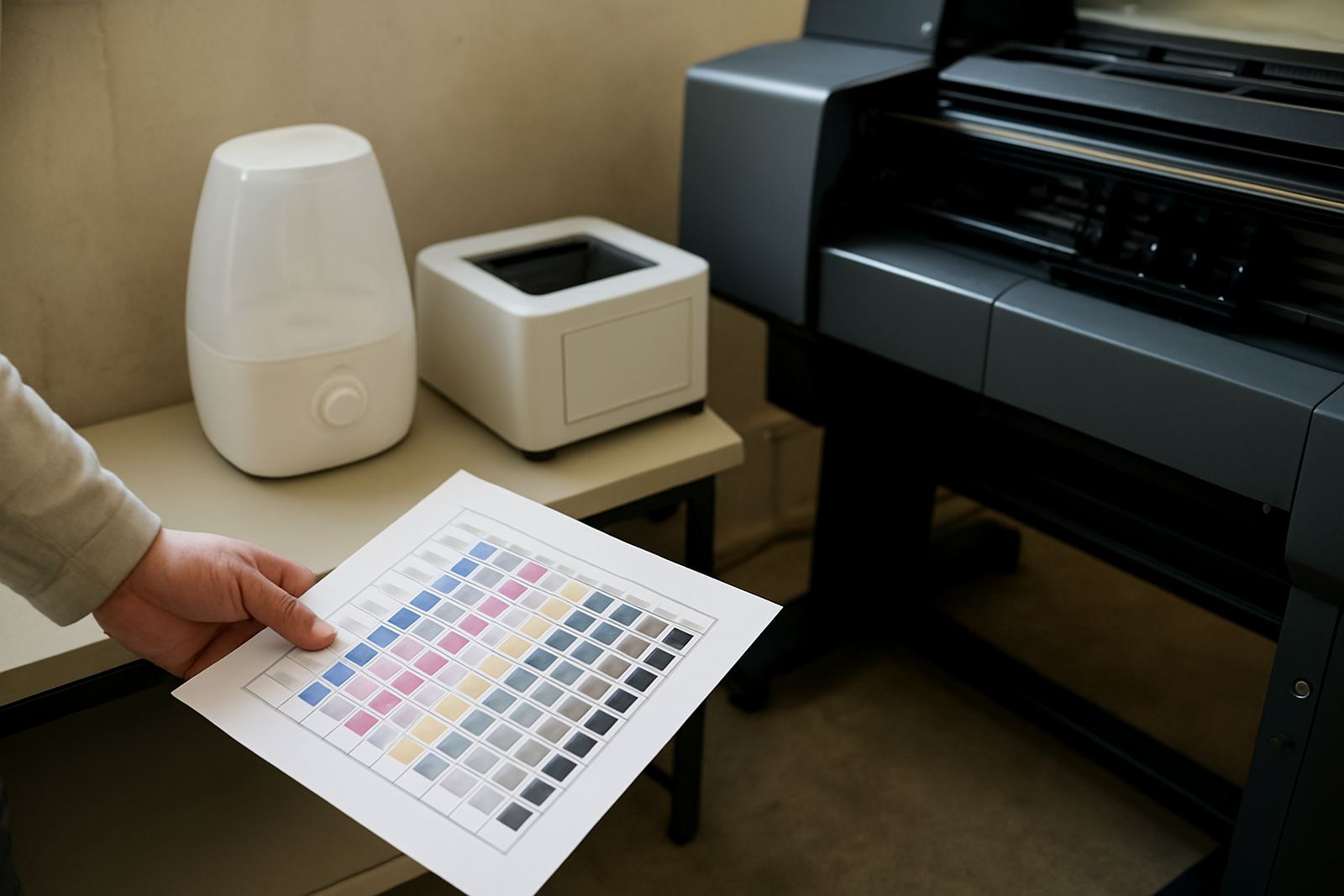
Nozzles are small, but they do a lot of the work. If ink dries at the tip, if air gets into the line, or if the head sits too long without firing, the first sign is usually missing lines, weak colour or a drop in detail on short-run jobs. That is especially hard on garment decoration and label work where the job may only be a few metres long and every sheet or transfer must come out clean first time.
In practice, nozzle health is not just about the printhead itself. Room temperature, humidity, dust, power interruptions and operator habits all affect how stable the head stays. A shop in Midrand with roller doors opening all day will face very different conditions to a closed room in Sandton, and that matters. Even a small change in airflow can dry ink at the nozzle plate or pull more dust onto the face of the head.
Good nozzle health is really about keeping the whole print path steady. When that happens, the machine wastes less media, colour stays more consistent and the operator spends less time running clean cycles that should not be needed in the first place.
Heat, dust and humidity in South African conditions
Johannesburg winters can be dry and dusty, while coastal or humid areas bring a different problem: moisture. Both can upset the balance. Dry air makes ink skin over faster. High humidity can affect media behaviour, especially with transfer films and coated papers that curl or hold moisture. In a busy production room, fine dust from trimming, cardboard and fabric fibres can settle on the head carriage and around the capping station.
That is why environmental control should be simple and practical. You do not need a lab, but you do need a clean room, stable storage and a routine. If the machine is near a loading bay or an open gate, cover the unit when it is not in use. If the shop sits in a low lying area or close to the coast, keep consumables sealed and store media off the floor. A damp box of transfer media can look fine and still cause trouble when fed through the printer.
- Keep the room as dust free as possible with daily sweeping and light vacuuming.
- Store ink, media and spare parts in closed containers away from direct sun.
- Do not place machines next to open windows, heaters or aircon vents blowing straight at the print zone.
- Check for moisture on media after cold nights or after a power cut where the room sat closed and warm.
The maintenance habits that protect the nozzle face
Most nozzle issues start slowly, then show up at the worst possible time. A short daily check is better than a long repair later. Operators should inspect the nozzle plate before the first job, especially after overnight idle time. Look for dried ink, lint, overspray, and any sign that the capping station is not sealing properly. If the cap is weak or the wiper is worn, the head can dry out even when the machine looks idle and safe.
Cleaning needs to be careful. Too much pressure, the wrong fluid, or rough wiping can damage the nozzle surface. That is a costly mistake because the head may still print, but not as well as it should. Gentle cleaning with the correct method is enough in most cases. If cleaning has to be repeated again and again, something else is wrong, usually a storage issue, ink supply issue or head alignment problem.
- Run the recommended start-up check before production begins.
- Replace worn wipers, caps and dampers before they fail completely.
- Use only approved cleaning steps and avoid rubbing the nozzle face hard.
- Record how often a machine needs cleaning so patterns become visible.
Why power cuts and standby time matter more than most people think
Load-shedding and unplanned outages can be hard on print equipment. If a machine stops mid-cycle, ink may settle, the head may not park correctly, or the system may restart with air in the line. When power returns, operators often rush back into production without checking the machine properly. That is when a small fault becomes a blocked channel or a printhead that fires unevenly across the whole run.
Standby time also matters. A machine that sits for hours between jobs without a proper maintenance cycle can dry out faster than one that is managed correctly. On label work this can be a problem because print shops often have mixed shifts, with one machine running in the morning and another sitting until the afternoon. If the idle machine is not prepared for the break, the next operator starts with missing nozzles and bad first sheets.
A better routine is simple: park the machine properly, check ink levels, confirm the cap is sealing and make sure the room is secure before switching off or leaving it unattended. After power returns, do a quick nozzle check before restarting production. That five minute habit saves a lot of waste.
Consumables and media choices affect head stability
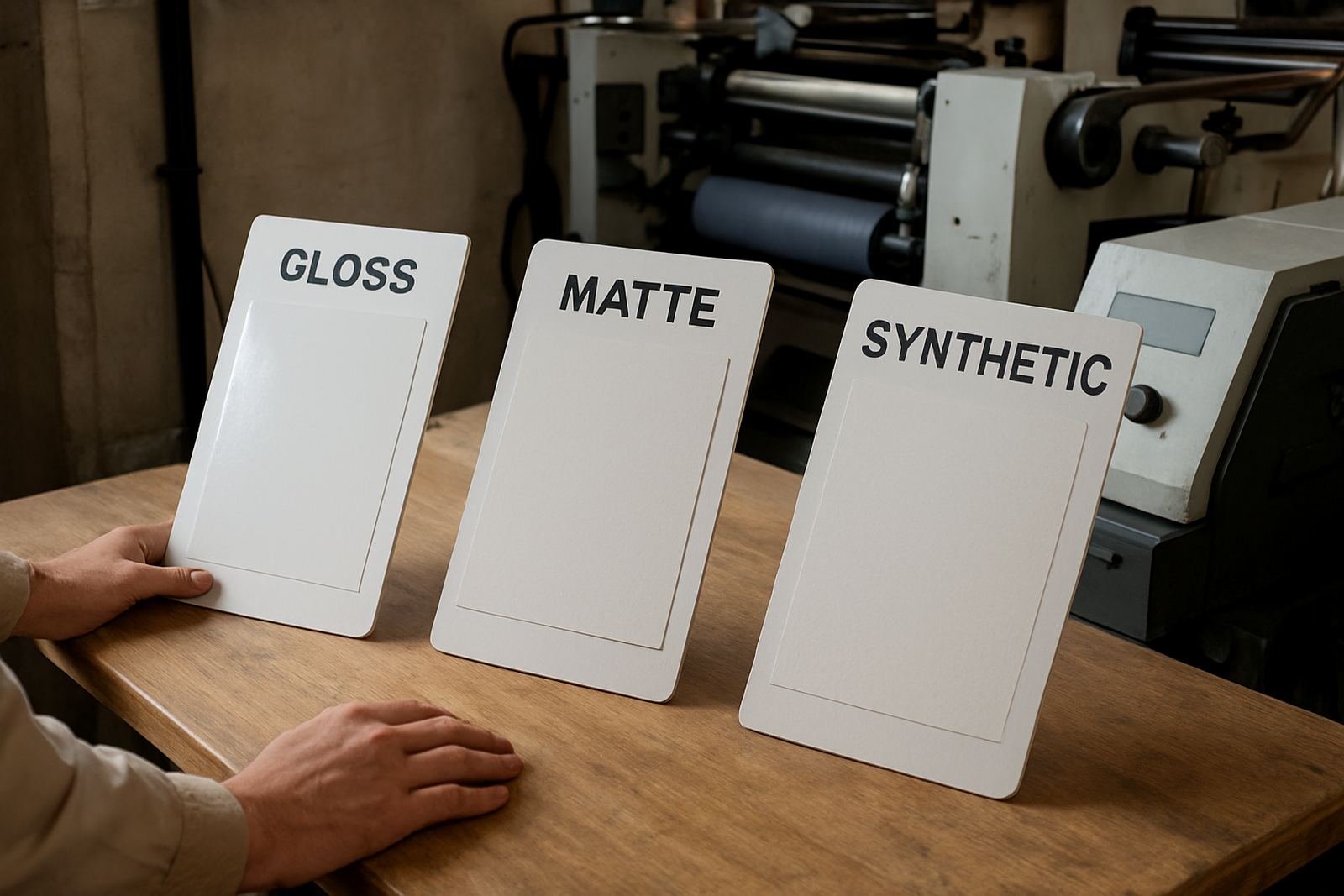
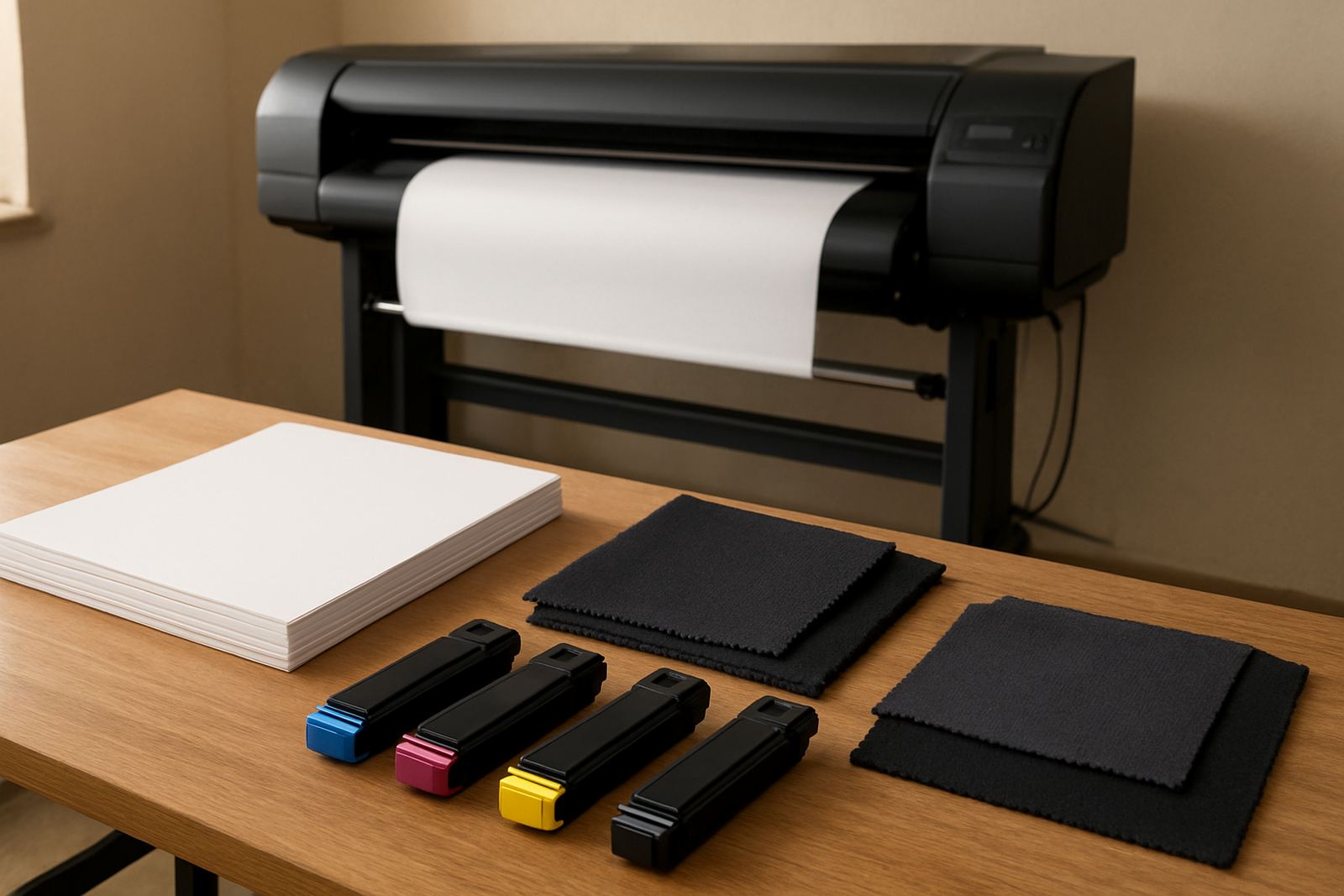
Not every media or ink combination behaves the same way. Some transfer films hold the ink well and release cleanly, while others shed dust or leave a residue that can build up around the head. Poorly handled toners, powdered consumables or low quality media can also create fine particles that move through the print area. Once that starts, nozzle performance becomes less stable and colour control gets harder.
Consumable planning helps prevent this. Keep track of what is running low before the last box is opened. Match media to the machine and the job type rather than forcing one product to do everything. If the work is short-run colour for garment decoration or labels, consistency matters more than buying whatever is cheapest on the day.
- Keep the same media type for repeat jobs where colour accuracy matters.
- Check supplier storage advice for inks, toners and films.
- Allow cold media to come to room temperature before use.
- Do not mix old stock with fresh stock without checking condition first.
A Midrand example: small habits that stop bigger downtime
One Midrand production room working with short-run transfer jobs had repeated nozzle drop-out on Monday mornings. The machine itself was sound, but the room opened early, the roller door stayed up for deliveries, and the operator was cleaning the head more often than printing. The cause turned out to be a mix of dust, overnight dry air and irregular shutdown practice. Once the team moved media into sealed storage, added a proper end-of-day parking routine and checked the cap seals weekly, the first-run failures dropped sharply.
That is a common pattern across Johannesburg, Pretoria and the East Rand. Many shops assume nozzle trouble means the head is failing. Sometimes it does, but often the real cause is maintenance discipline, room conditions or a weak consumable setup. If the same machine performs better after a change in routine, the lesson is clear: stable printing starts before the job begins.
For shops that want fewer interruptions, the focus should be on practical control, not guesswork. Keep the environment clean, maintain the consumables, and log the faults properly so the same issue does not return next week.