

What our remote help covers
Remote help is for urgent production questions where a phone call or online session can get you back on track without waiting for a site visit. It suits print shops handling garment decoration, label work, short-run colour jobs, and day-to-day machine issues that need quick fault finding. We assist shops in Johannesburg, Pretoria, Durban, Cape Town, Polokwane, Gqeberha and across Southern Africa, especially where a stoppage could mean missed cut-off times and unhappy customers.
Our team can talk you through checks on print quality, colour consistency, media feed, curing, transfer results, software settings, and basic machine behaviour. If the issue points to a part failure or an in-person inspection, we will say so clearly and advise the next step. That saves time and keeps you from guessing.
How to log a support call quickly
Model, error code and the last job printed give us the right details to start. Before phoning or sending a message, have the machine model, error message, material type, and what changed just before the problem started. If you are running in a hot factory in Gauteng or a humid room near the coast, mention that too because conditions can affect media, toner, drying and adhesion.
- Send a clear photo of the print defect or error screen.
- Note the job size, media width, and substrate type.
- Tell us whether the issue started after a power cut or load shedding.
- Include the current settings for speed, temperature, tension or resolution.
- Share any recent maintenance done, even if it was only a quick clean.
When these details come through up front, we can narrow the fault much faster and often avoid back-and-forth. A 10 minute call can save an entire shift, and that matters when you have orders stacked for the same day.
Step-by-step checks before you call
Some issues can be cleared on the spot with a few safe checks. Work through the basics before you stop the machine completely. Keep the process simple and only do what you are trained to do.
- Confirm power, air supply and network connection are stable.
- Check for loose media, blocked paths, or material loaded the wrong way round.
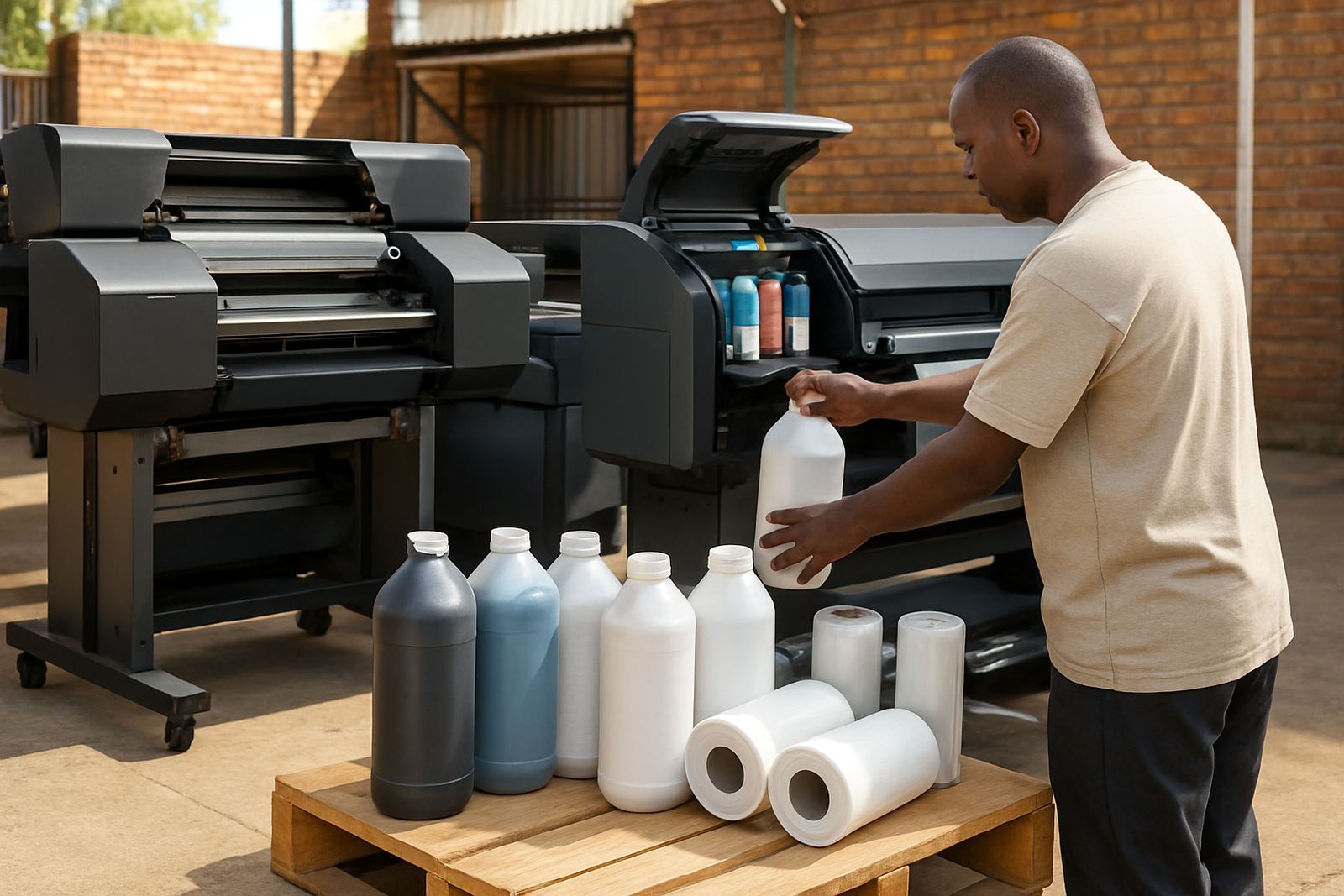
- Inspect consumables for expiry, contamination or moisture, especially in coastal areas.
- Run a small test print and note exactly where the fault appears.
- Restart the job after checking software queue settings and file size.
If the fault remains after these steps, stop the run and contact us before more waste builds up. Repeating a bad setup can damage printheads, waste toner and media, and create more downtime than the original issue.
Issues we can talk through remotely
Remote support is ideal for the kinds of problems that need a practical eye and a calm voice, not guesswork. We help with colour drift, banding, washout, poor transfer adhesion, feed errors, recurring jams, inconsistent output and setup questions on new or changed workflows. We also assist with preventive care questions, so you can catch problems before they become expensive repairs.
We often guide customers through printhead care, media profiling, colour calibration, and consumable planning for the week ahead. If you are running a small team or working across shifts, we can also help you set out a simple routine so the same mistake does not keep coming back. That usually means fewer stop-start delays and better repeatability from one job to the next.
What to expect during a remote session
Once we are on the call, we keep things practical and focused on getting your machine running again. We may ask you to stand at the equipment, open a menu, check a connection or run a short test while we talk you through each step. If a remote adjustment is not safe or not likely to solve the fault, we will tell you plainly and recommend the next move.
We can work by phone, messaging or an online meeting depending on the issue and how much detail is needed. For better support, keep your machine powered, have a clean test sheet ready, and make sure someone at the machine can follow instructions. If your site has weak signal or power interruptions, tell us early so we can plan the session properly and avoid delays.
When a site visit is the better choice
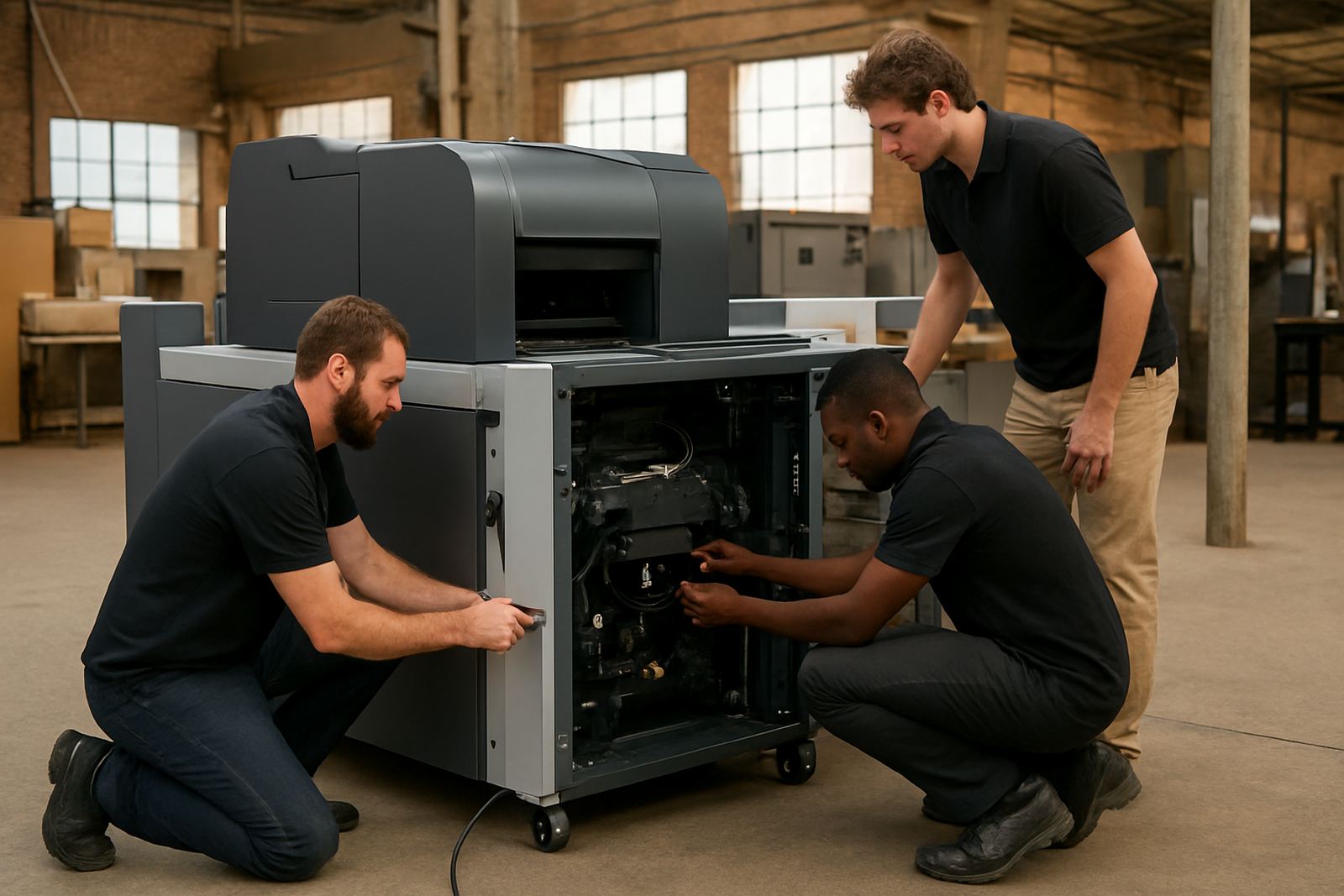
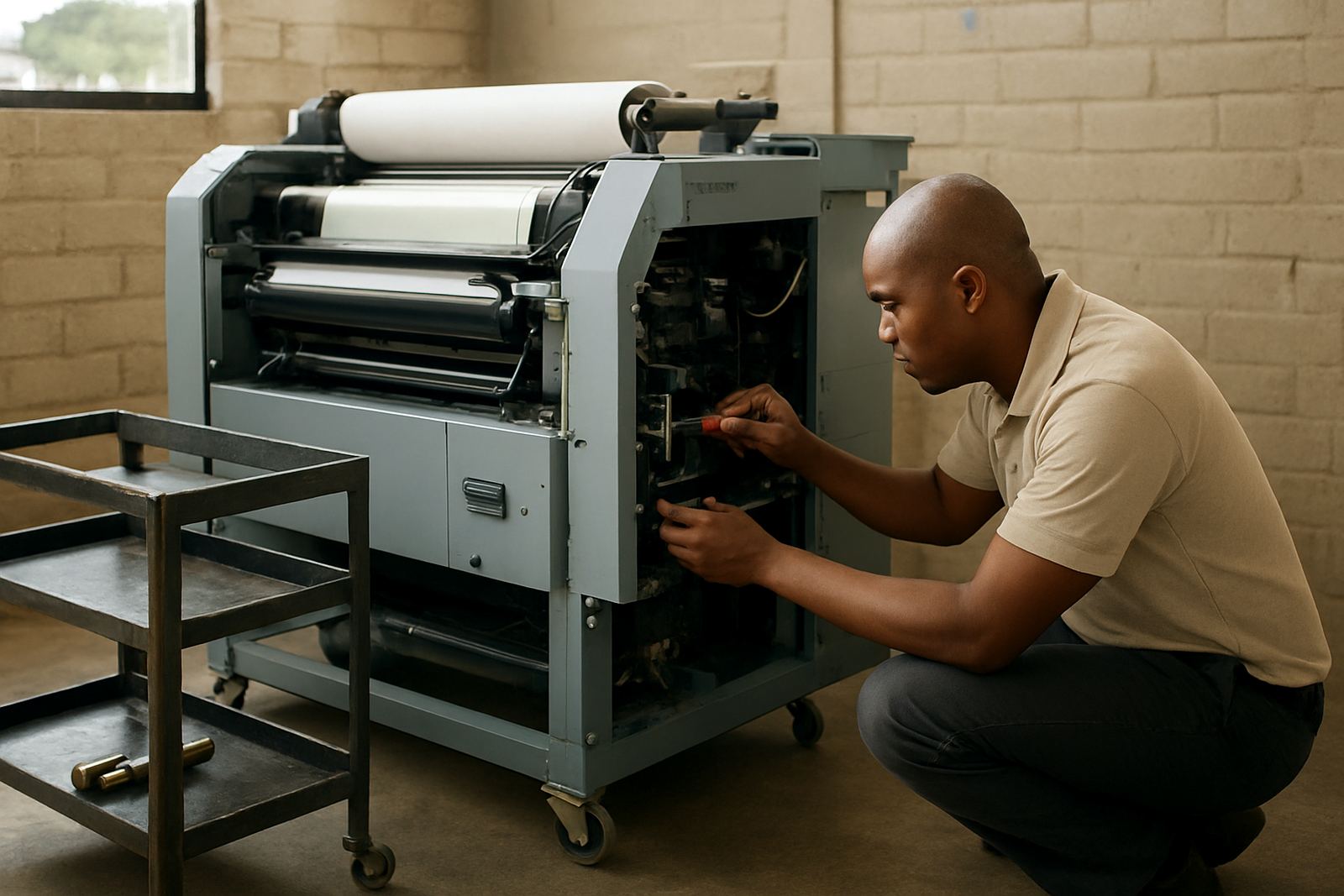
Some problems need hands-on repair, part replacement, or a deeper inspection of the machine path. If we suspect electrical damage, worn components, a failing printhead, or a fault that keeps returning after basic checks, we will advise an on-site visit through our Midrand base or one of our supply areas. That is usually the best choice when the machine is stopping repeatedly or when production is too sensitive to keep testing.
Remote help still plays a useful role before the visit because it can reduce diagnosis time and ensure the right tools or parts are brought along. In many cases that means less downtime and one proper fix instead of multiple callouts. If you need support now, send us the details and we will take it from there.